
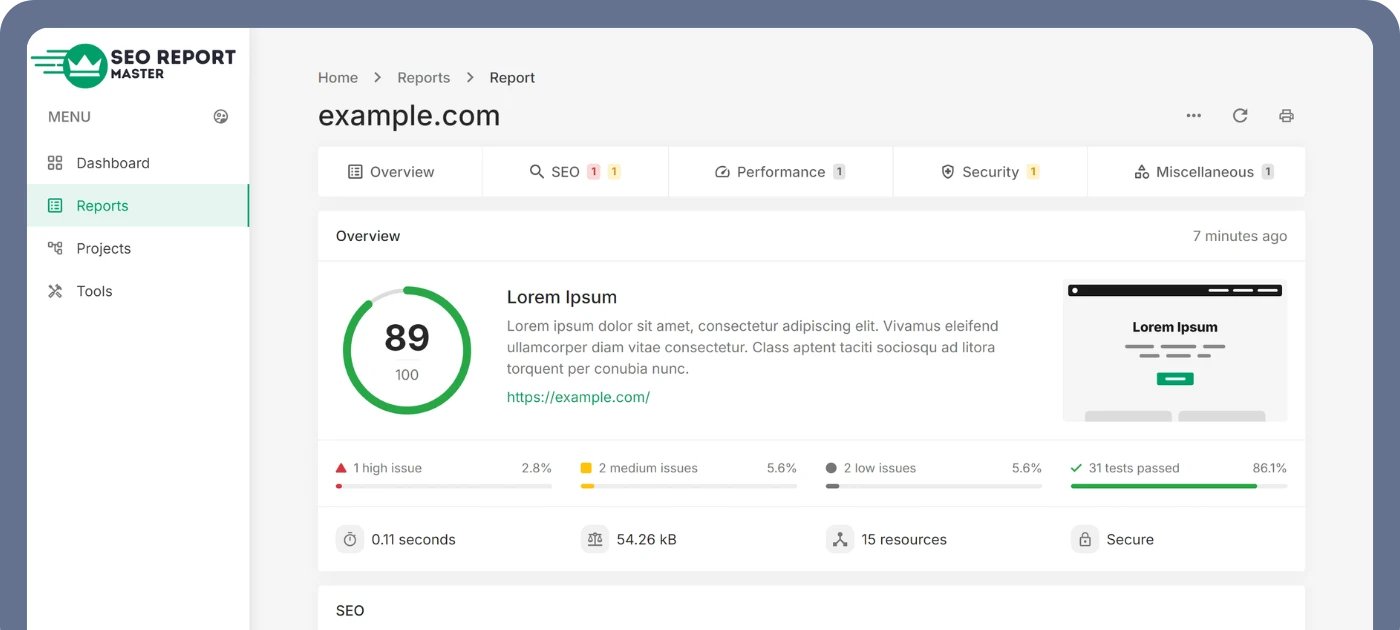
Tired of Switching Between Tools Just to Check SEO Health?
Whether you're a marketer, SEO consultant, freelancer, agency, or business owner, the SeoReportMaster extension brings powerful SEO analysis directly into your browser — making it easier than ever to understand how any page is performing, instantly.
Constant Tab-Switching
Copying URLs into separate SEO tools every time you want a quick health check wastes time and breaks your workflow.
Slow, Manual Audits
Checking titles, headings, meta tags, and technical signals by hand takes far too long when you're auditing multiple sites a day.
No Client-Ready Reports
Raw data isn't enough — clients expect clean, professional reports that explain findings and recommend next steps.
Everything You Need, One Click Away
All from your browser. No complicated setup. No extra tabs. No hassle.
One-Click SEO Audit
Instantly scan any page you're visiting and see its SEO strengths and weaknesses.
In-Depth SEO Metrics
Title & description quality, heading structure (H1–H6), broken links, indexing signals, performance, image optimization, and technical tags.
Clean, Professional Reports
Create reports you can share with clients or teams — automatically formatted and ready to deliver.
Works on Every Website
Fully compatible with any website and detects SEO signals with high accuracy.
Account Insights & Usage
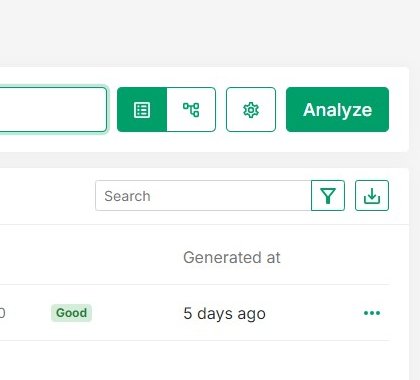
See your report usage, plan limits, and upgrade options — all from the popup.
Privacy First
We don't collect or sell your data. Not used for anything unrelated to the extension's core SEO functionality.
Up and Running in Under a Minute
Install the Extension
Click "Add to Chrome" on the Chrome Web Store — it's free to install.
Create a Free Account
Sign up for a free SeoReportMaster account and log in from the extension popup — this is required to run reports.
Visit Any Website
Open the extension icon in your toolbar while browsing any page you want to analyze.
Get Your SEO Report
See your SEO score at a glance and generate a full, shareable report in seconds.
Whoever You Are, It Helps You Work Faster
SeoReportMaster helps you work faster, deliver better results, and impress your clients — whether you're:
-
An SEO consultant running quick audits between calls
-
A digital marketer checking campaign landing pages
-
A freelancer delivering audits to new prospects
-
A business owner keeping tabs on your own site's health
-
An agency running audits at scale across client sites
Your Data Stays Yours
SeoReportMaster declares that your data is not sold to third parties, not used or transferred for purposes unrelated to the extension's core functionality, and never used to determine creditworthiness or for lending purposes.
Read our full Privacy PolicyFrequently Asked Questions
Everything you need to know about the SeoReportMaster Chrome extension.
Installing the extension from the Chrome Web Store is completely free. However, you do need a free SeoReportMaster account to run SEO audits — simply sign up and log in from the extension popup. For higher usage limits and advanced features like white-label reports, you can upgrade to a paid plan at any time.
The developer has disclosed that the extension will not collect or sell your data. It analyzes the page you're actively viewing to generate an SEO report and does not use your data for purposes unrelated to that core functionality.
Yes. The extension is fully compatible with any website and detects on-page SEO signals — including titles, meta descriptions, headings, broken links, indexing signals, and technical tags — with high accuracy.
Absolutely. The extension generates clean, professionally formatted SEO reports you can share directly with clients or teams — no extra formatting or design work required on your end.
You don't need an account to install the extension itself, but you do need to create a free SeoReportMaster account and log in from the popup before you can run any SEO audits. Signing up takes less than a minute and doesn't require a credit card.
Still have questions about the extension?
Contact Our TeamAnalyze Your First Website in Seconds
Install the SeoReportMaster extension and get instant SEO insights, performance metrics, and actionable recommendations — directly inside your browser.